
You May Also Like
More »
System Requirements
| Requirement | Requires a 64-bit processor and operating system |
|---|---|
| OS | Windows 10 version 2004 |
| Graphics | Modern integrated graphics |
| DirectX | Version 11 |
| Requirement | Requires a 64-bit processor and operating system |
|---|---|
| OS | Windows 11 version 24H2 |
| Graphics | GeForce RTX 30 series / Radeon RX 6000 series / Arc series |
| DirectX | Version 11 |
About
Lossless Scaling is a powerful tool that enhances your gaming experience by making games smoother with LSFG frame generation and optionally improving quality or performance with various scaling algorithms and machine learning models like LS1. It's compatible with most games, even those that don't have built-in frame generation or scaling, as well as with other applications and a wide range of hardware.
LSFG 3 Frame Generation
This feature creates additional frames to make games look smoother. It’s perfect for games that lack a built-in solution or require new hardware, as well as for older games and emulators with a locked frame rate.
LSFG is a proprietary machine learning model developed from scratch specifically for Lossless Scaling and has received several significant updates.
It’s compatible with a wide range of hardware and has a separate performance model for low-power GPUs.
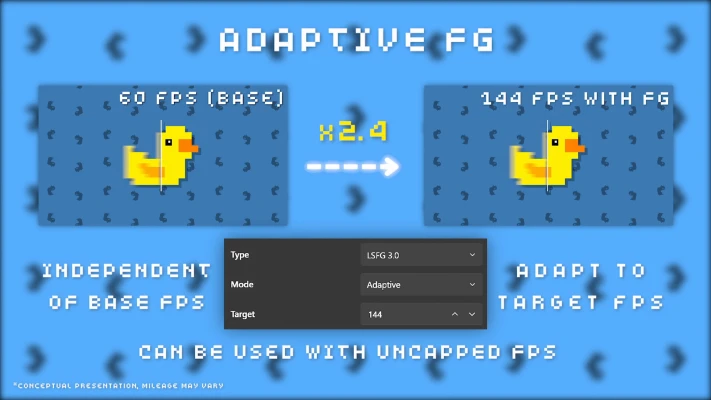
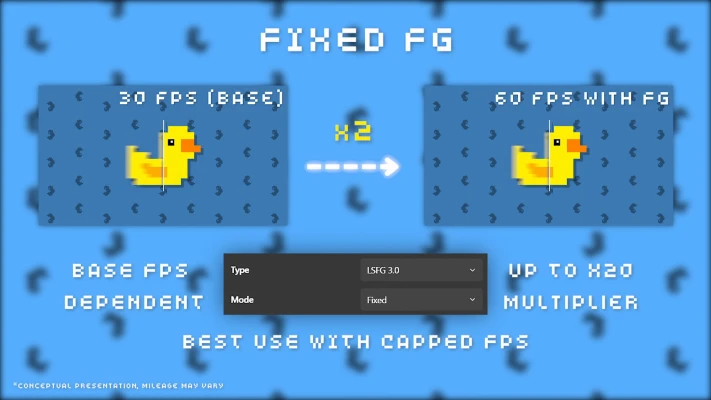
The Fixed mode allows you to multiply the original frame rate, while the Adaptive mode lets you specify a desired frame rate that may not be a multiple of the original.
Scaling
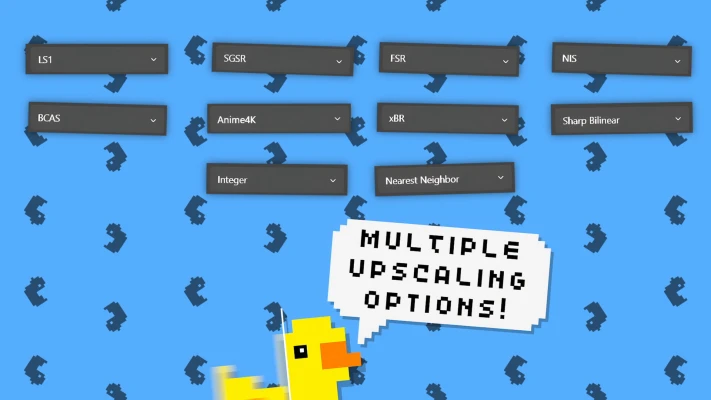
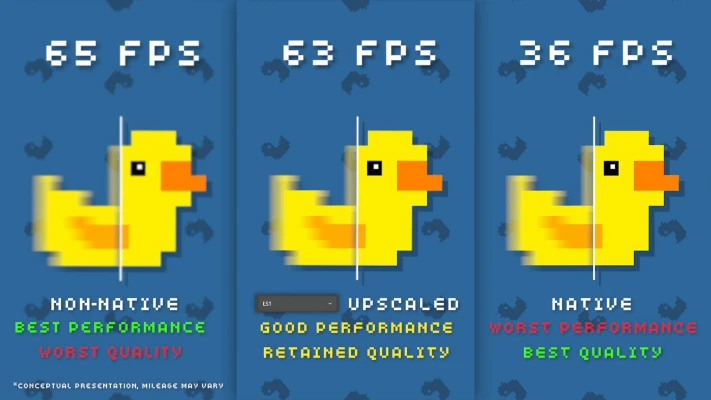
Scaling allows you to improve performance by lowering the original resolution and applying upscaling to recover some of the quality. It's also great for older games and pixel art games that don’t support modern resolutions or fullscreen mode.
LS1, FSR, NIS are well-suited for modern games.
Integer, XBR are ideal for pixel art games.
Anime4K is great for cartoons or anime.
Dual GPU Support
A great feature of Lossless Scaling is the ability to offload computations to a second GPU. This means applying frame generation or scaling won't affect the game's original frame rate and may reduce latency.
Compatibility with Online Games
The community has found Lossless Scaling to be safe to use with online games that have built-in anti-cheat systems. However, this cannot be guaranteed and should be used with user discretion.
Customization
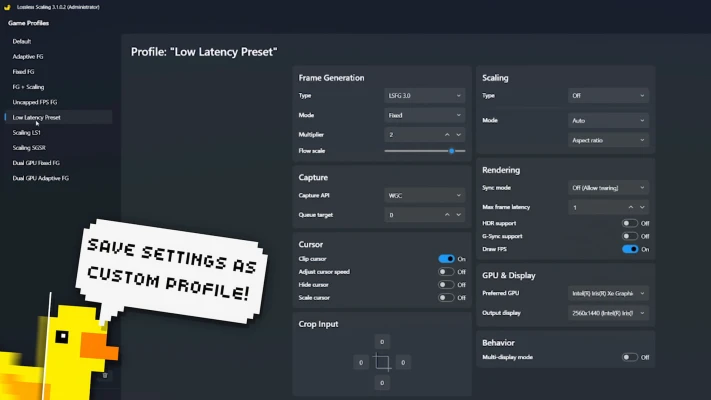
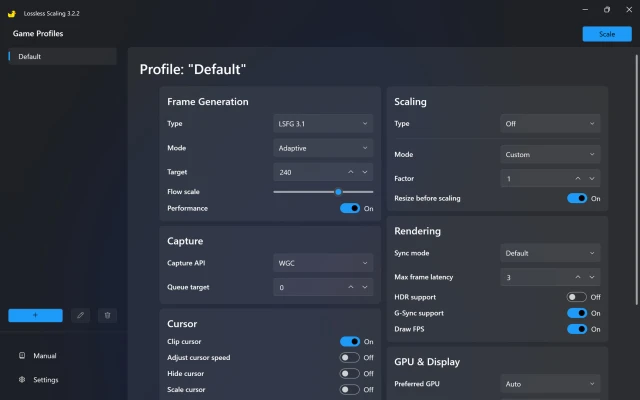
Lossless Scaling provides extensive configuration options through Game Profiles, allowing you to save per-game or grouped settings. Profiles eliminate the need for repetitive manual adjustments by automatically applying your chosen settings and scaling whenever the game executable is detected, ensuring consistent and automated operation.
Requirements
Only windowed and borderless fullscreen modes are supported. Exclusive fullscreen mode may work only if the Lossless Scaling output is configured for a second display.
Free GPU resources are preferred, otherwise Lossless Scaling will affect the game's original frame rate.
Windows 10, version 2004 or newer.
Linux
The LSFG feature of Lossless Scaling is available on Linux as a community-driven port. For more details, check out the lsfg-vk project.
Description
Lossless Scaling scales any game up to your native display resolution correctly without blur.
When you run the game at a resolution less than the native display resolution, the graphics driver uses bilinear or bicubic interpolation of the image resulting in blurring and loss of quality. For example, when you play old games on a 1080p display or modern games at a 1080p resolution on a 4k display, the result will be a blurred image.
Repack Features
• Build 16427003 (16 Nov 2024)
• Based On Clean Steam Files - Lopsider
• Activation Script - darthalex2014
How To Activate Licence?
1. Open "[CRACK] Activate Licence.reg" File
2. Click OK, Then YES
3. Open "LosslessScaling.exe"