You May Also Like
More »











System Requirements
| Requirement | Requires a 64-bit processor and operating system |
|---|---|
| OS | Windows 10 |
| Processor | Intel Core i5-10600 / AMD RYZEN 5 5500 |
| Memory | 12 GB RAM |
| Graphics | NVIDIA GeForce GTX 1060 3GB / AMD Radeon RX 580 4GB |
| DirectX | Version 12 |
| Storage | 30 GB available space |
| Sound Card | Windows compatible audio device |
| Requirement | Requires a 64-bit processor and operating system |
|---|---|
| OS | Windows 11 |
| Processor | Intel Core i5-11500 / AMD RYZEN 5 5600 |
| Memory | 16 GB RAM |
| Graphics | NVIDIA GeForce GTX 1070 8GB / AMD Radeon RX Vega-56 8GB |
| DirectX | Version 12 |
| Storage | 30 GB available space |
| Sound Card | Windows compatible audio device |
About
Deluxe Edition

The Deluxe Edition Includes:
• ELDEN RING NIGHTREIGN
• ELDEN RING NIGHTREIGN The Forsaken Hollows
- 2 additional Nightfarers
- 2 Day Three Bosses
- Additional Shifting Earth
- And more!
• Digital Artbook & Mini Soundtrack
About the Game
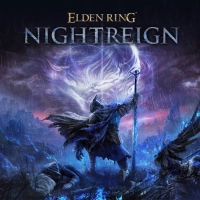
ELDEN RING NIGHTREIGN is a standalone adventure within the ELDEN RING universe, crafted to offer players a new gaming experience by reimagining the game’s core design.RISE TOGETHER.
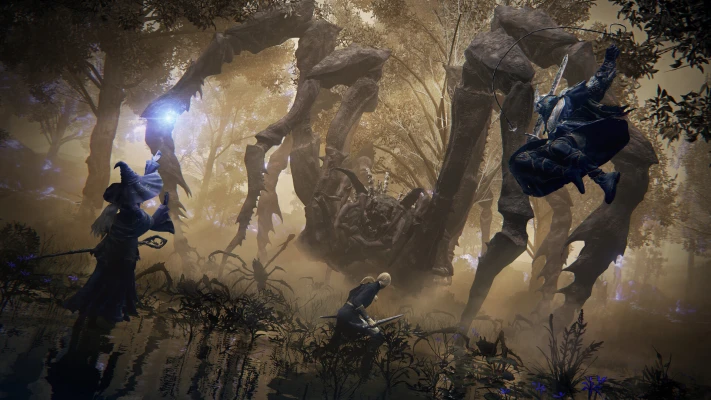
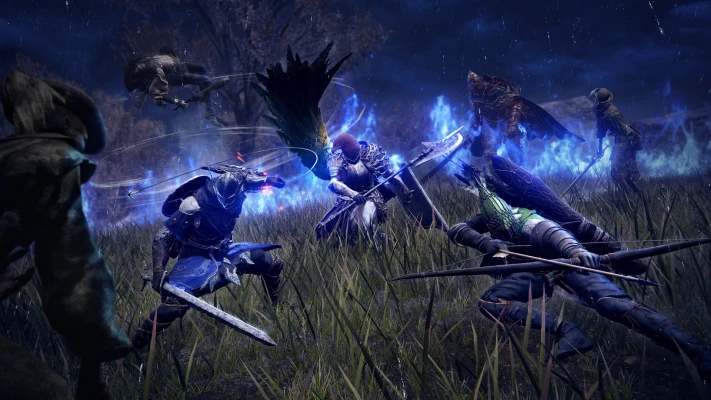
Join forces with other players to take on the creeping night and the dangers within featuring 3-player co-op. Three Nightfarers will have two full days to explore the land of Limveld as they hunt one of the terrifying Nightlords. Find new companions or invite friends to join in an ever-changing 3-player co-op experience.BECOME A HERO.
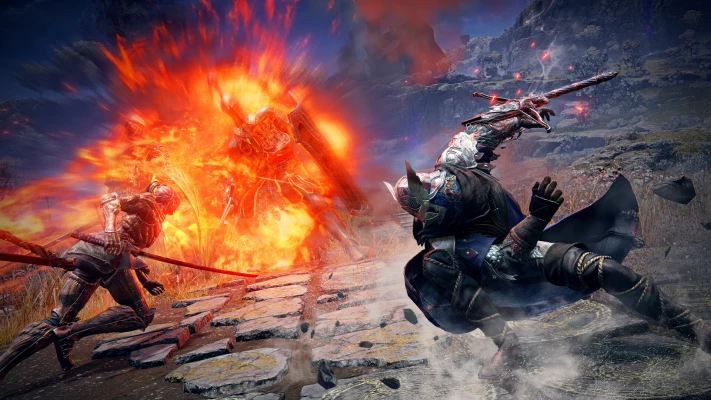
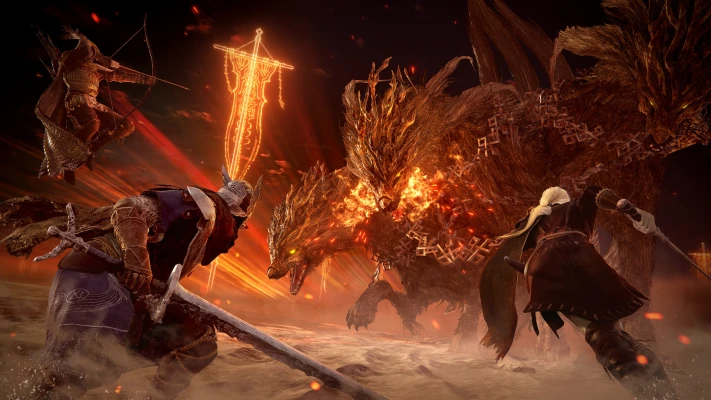
Take command of eight uniquely skilled heroes, each possessing their own abilities and distinct flair. Each Nightfarer has three unique capacities: a passive ability, a character skill, and an ultimate art. These tools of survival and combat reflect each hero’s history and background. While individually formidable, their skills create powerful synergies when they unite as a team.TAKE ON THE NIGHT.
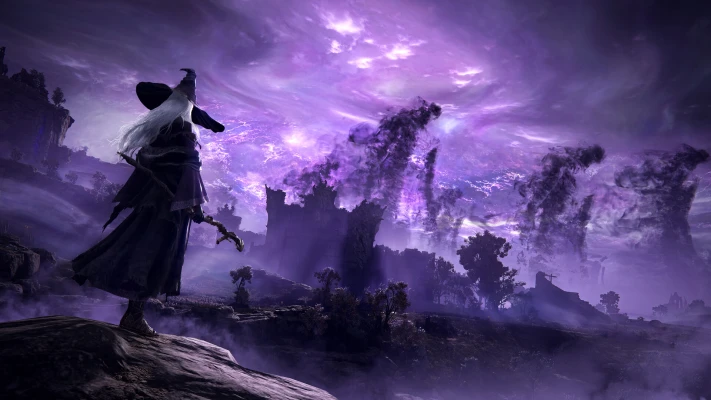
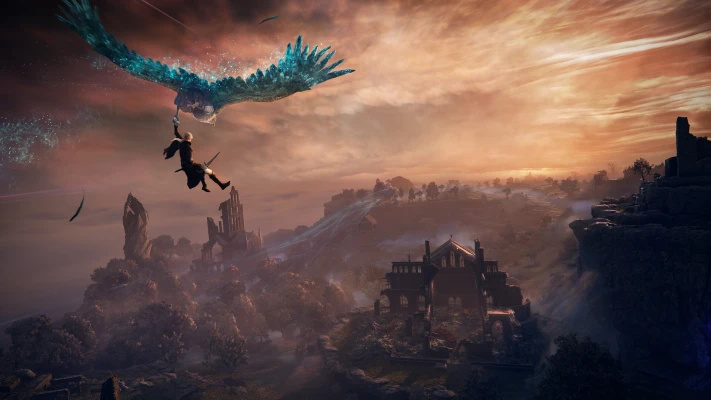
Your hunt takes place in Limveld, a transitory land, buffeted by the raging might of the Nightlords. These enormous beings lurk beyond the reach of most mortals and only reveal themselves when their commanders are defeated after two consecutive nights.Overcome a relentless environmental threat that sweeps through a land that changes between each game session and defeat the magnificent boss of that night.Each Nightlord must be faced and defeated before the reign of night can be ended!
Description
Controller Fix
For the controller fix, you're gonna need to copy the VDF files in the game directory, all of the "steam_input", after this, paste them into steam folder the default directory is "C:\Program Files (x86)\Steam\controller_base\templates".
After this, go back to the steam root folder ("C:\Program Files (x86)\Steam"), and create a folder named "controller_config", after this paste "steam_input_manifest.vdf" to the newly created folder, and rename it to "game_actions_480.vdf".
Once you're done with that restart steam, go to the steam, on the Spacewar game go into the controller options and change the preset, in the template tab, it should have a controller with a blank name(or "ELDEN RING NIGHTREIGN Official Settings"), in case it doesn't appear, press "Show all layouts".
Once the blank layout is selected, the game should recognize your controller.
(Provided by Skuff)
(Also, take in mind that all Steam fixes with Spacewar will use Nightreign controller config)
Video Guide:
https://www.youtube.com/watch?v=6G1kECiwTvk
https://youtu.be/EvOGm4tuCmA