


Description
How To Use Defender Control:
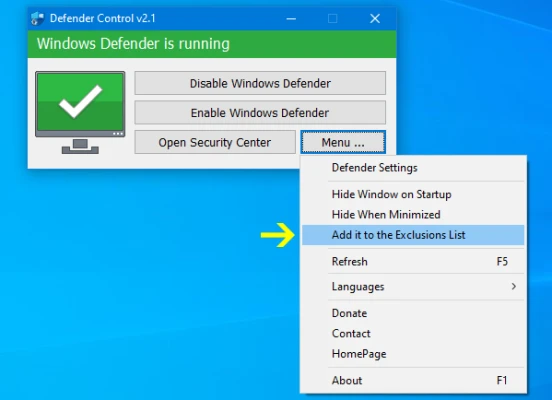
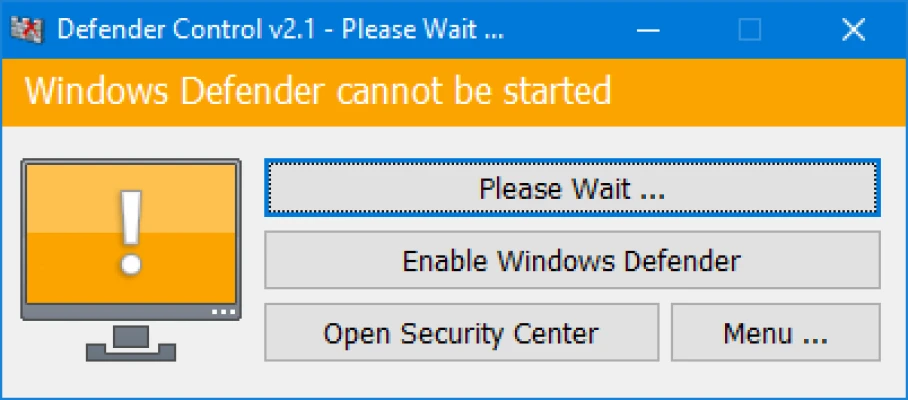
Download Defender control and unzip it then run the program , Our recommendation is please use the “Add it to the exclusion list” feature (Under the menu) after running the software first time , So you won’t be affected by possible false alerts. When you use this feature, a shortcut will be created on the desktop.Excluded defender control path is “C:\Program Files (x86)\DefenderControl\dControl.exe”
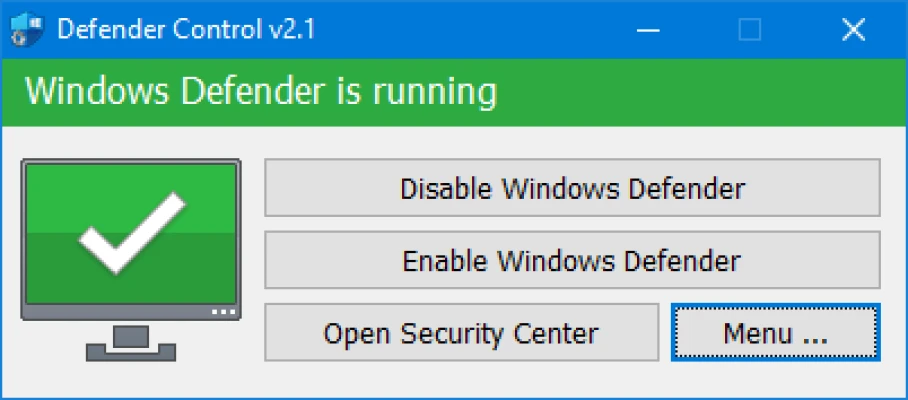
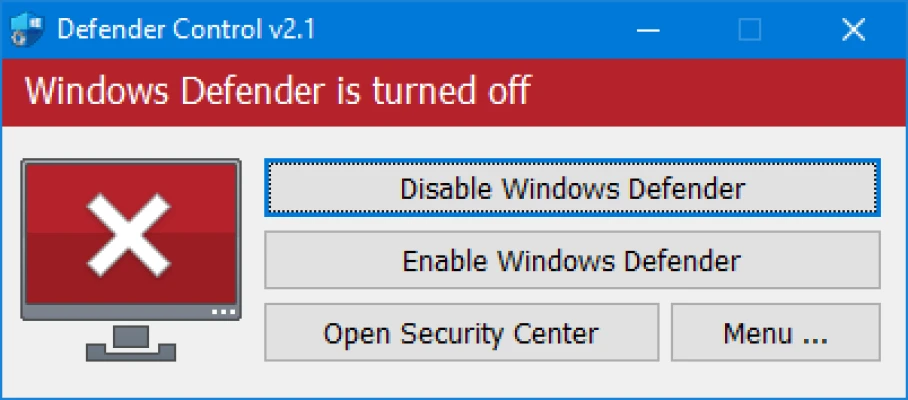
To Disable – Enable Microsoft Defender please click the appropriate button , you can also Launch Microsoft Defender or Microsoft Defender settings (Under the menu button) with one click.
NOTE 1 : If you cannot enable “Windows Defender” after disabling it with “Defender Control”, please use “Enable windows defender” button and restart the system then wait a few minutes for Windows Defender to be automatically activated after the system is turned.
NOTE 2 : If Microsoft Defender “Tamper Protection” is turned on , Defender Control requires the TrustedInstaller service to bypass protection and turn off the defender. Therefore If there is a problem with the TrustedInstaller service, sometimes program may need to wait 3-5 second to turn Microsoft Defender on or Off .
NOTE 3 : Defender control , shuts down the defender ,Therefore ; There may be false positives on Virustotal.If you use the program continuously please use Menu – “Add it to the Exclusion List” feature to add “Defender control” to white list.
Supported Languages: English , Turkish , German , Russian , French , Korean , Chinese (Traditional) , Chinese (Simplified) , Italian , Slovenian , Japanese , Polish , Bulgarian , Spanish , Arabic , Czech , Thai , Hungarian , Swedish , Greek , Portuguese , Portuguese (Brazilian) , Hebrew , Vietnamese , Persian , Romanian , Thai , Finnish , Dutch (Nederlands), Ukrainian , Dutch (Dutch), Serbian , Estonian , Azerbaijani , Lithuanian , Uzbek , Tajik , Latvian , Lithuanian , Abkhazian , Romanian , Turkmen , Georgian , Indonesian , Latvian , Indonesian , Polish
Supported Operating Systems: Windows 11 , Windows 10 , Windows 8.1 , Windows 8 , Windows 7 , Windows Vista (32 and 64-bit).