You May Also Like
More »









System Requirements
| Requirement | Requires a 64-bit processor and operating system |
|---|---|
| OS | Windows 10 or higher |
| Processor | Intel Core i3 / AMD Ryzen 3 or higher |
| Memory | 8 GB RAM |
| Graphics | AMD Radeon R7 260 / NVIDIA GTX 650Ti or equivalent, minimum 2GB VRAM |
| DirectX | Version 11 |
| Network | Broadband Internet connection |
| Storage | 45 GB available space |
| Requirement | Requires a 64-bit processor and operating system |
|---|---|
| OS | Windows 10 or higher |
| Processor | Intel Core i5 / AMD Ryzen 5 or higher |
| Memory | 16 GB RAM |
| Graphics | AMD Radeon RX 5500 XT / NVIDIA RTX 2060 or higher |
| DirectX | Version 12 |
| Network | Broadband Internet connection |
| Storage | 45 GB available space |
About
And, in keeping with Big Ant’s commitment to equality and equal representation, both the Men’s and Women’s games have been replicated across all of Cricket 22.
Cricket 22 also features a bevy of new innovations, including:
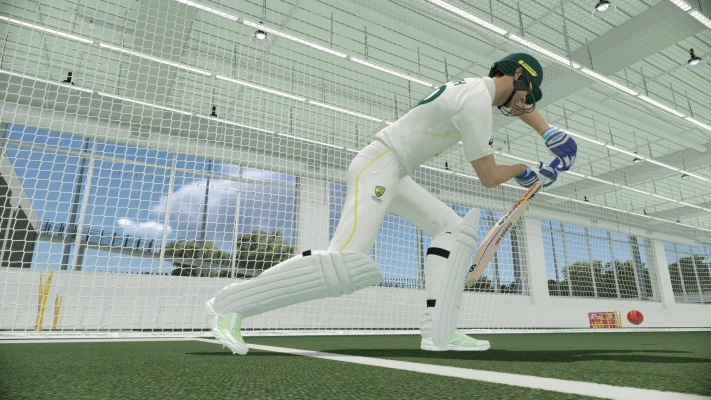
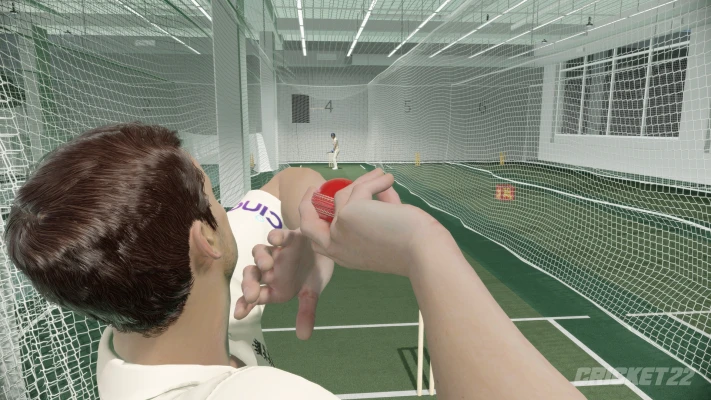
- All-new bowling and fielding controls; whether it’s a feisty fast bouncer, or the satisfying “snap” as you hurl the ball from the infield for a precision run-out, Cricket 22 features refined, tight controls that enable you to play your best game of cricket.
- A deep, narrative-driven career mode; you are in control on and off the field. You manage your training and press conferences, deal with injuries, and decide your path towards international glory!
- It’s the most accessible cricket game yet; New to Cricket? Cricket 22 makes it easier to get into the game than ever before, with a completely overhauled series of tutorials and first-time user experience. Cricket 22 is the most detailed simulation of the sport that Big Ant has ever created, and thanks to these tutorials we’ll have you out there batting and bowling like a pro in no time.
- An all-new commentary team; Cricket 22 brings a star-studded commentary team, featuring Michael Atherton, Ian Healy, Mel Jones, Alison Mitchell and David Gower. Every shot will be called with greater depth and analysis than ever before, and for the first time ever in a sports game, there will be an all-women commentary team, further deepening the representation of women in the Cricket 22 experience.
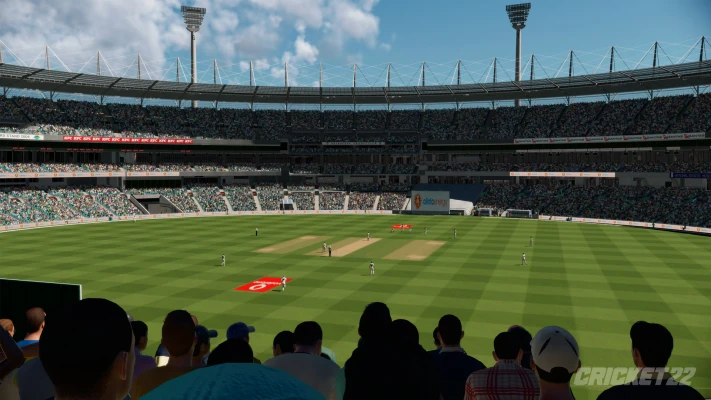
- The best-looking cricket ever; Cricket 22 takes full advantage of the capabilities of the latest generation of hardware. Not only does the game load with blinding speed, getting you into the action more quickly than ever before, it also includes a full suite of visual updates, including incredible real-time ray tracing elements, providing the most visually realistic game of cricket ever seen.
Description
How To Run Game
To play game, go inside the ‘Cricket 22‘ > Right click and run ‘Cricket 22.exe‘ as administrator
"Cricket 22\cricket22.exe"
If you get any missing dll errors, go inside the _Redist folder and install all 6 programs
Repack Features
Based on
– Cricket 22 (Clean Steam Files) TNX TO Nixomega
–Cracked EXE applied by default
– Removed SteamStub DRM with tools from atom0s
– Replaced original Steam DLL with mr_goldberg’s Steam Emulator
Game Version : v0.1.3221 {Build 9906614 ~ 14 November 2022}
CrackFix + Reshade 5.9.2
• White screen has been fixed
1. Extract all files to game directory(0.1.3221 master retail)
2. Change in-game gamma(brightness) to 0.57 in config.ini in your respective saved games
2. Without the reshade, the game play will be darker. So added reshade with crack
3. Press home key to get reshade overlay and Gamma value set in reshade according to day matches which is 0.60000, For night matches set gamma value to 0.40000 to get original experience.
4. The image below which shows gamma value to change
