
You May Also Like
More »






System Requirements
| Requirement | Requires a 64-bit processor and operating system |
|---|---|
| OS * | Windows 7 (x64) or higher |
| Processor | Intel Core i3-3210 / AMD Athlon II X4 555 |
| Memory | 4 GB RAM |
| Graphics | Radeon HD 6670 or NVIDIA Geforce GT710 with Min 2GB Memory |
| DirectX | Version 11 |
| Network | Broadband Internet connection |
| Storage | 25 GB available space |
| Additional Notes | Controller Required |
| Requirement | Requires a 64-bit processor and operating system |
|---|---|
| OS | Windows 10 (x64) |
| Processor | Intel Core i5-4200 / AMD Phenom II X4 970 |
| Memory | 8 GB RAM |
| Graphics | AMD Radeon R9 390X or NVIDIA GeForce GTX 970 with minimum 2GB Memory |
| DirectX | Version 11 |
| Network | Broadband Internet connection |
| Storage | 25 GB available space |
| Additional Notes | Controller Required |
About
New DLC Available
About the Game
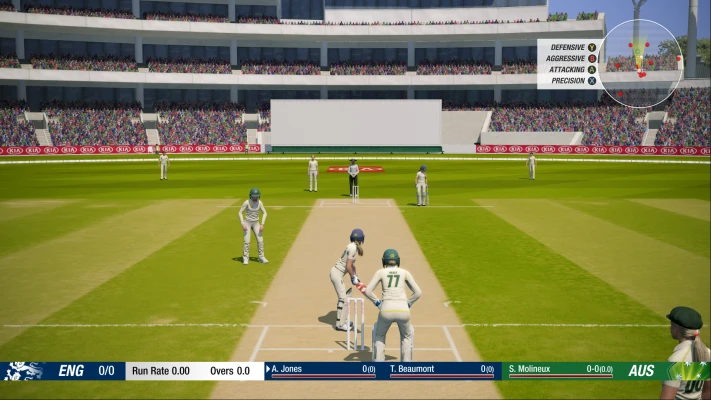
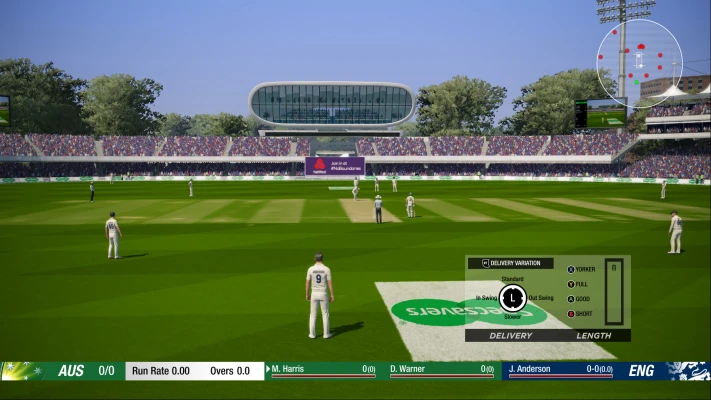
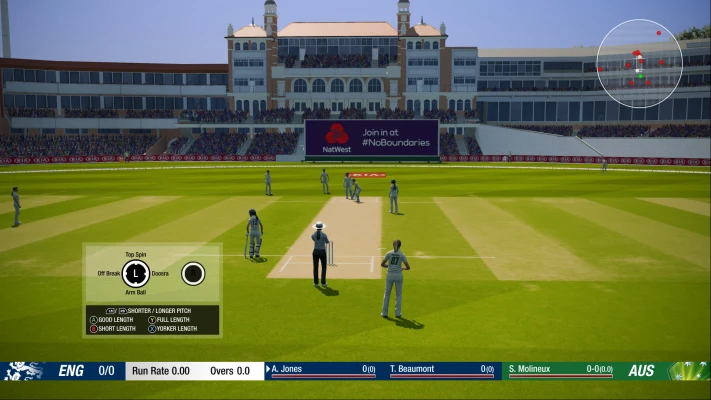
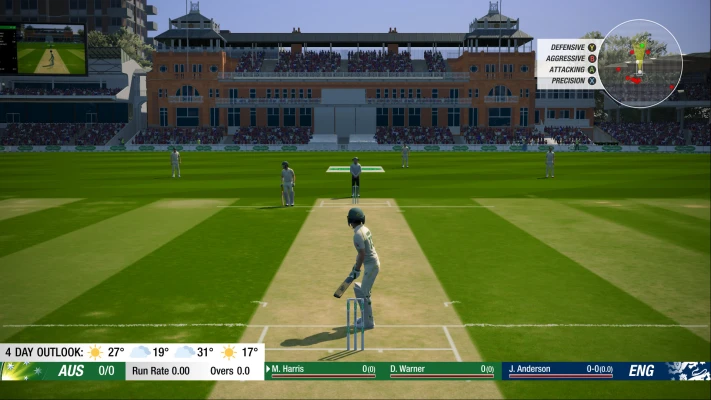
Earn World Glory At The Pinnacle Of Cricket!Lead your team to international glory with Cricket 19. The truly global cricket simulation from Big Ant Studios, the leading name in authentic, realistic cricket action, Cricket 19 allows you to take control of your team, from club through national level, and lead them to T20, ODI, or Test Match glory.
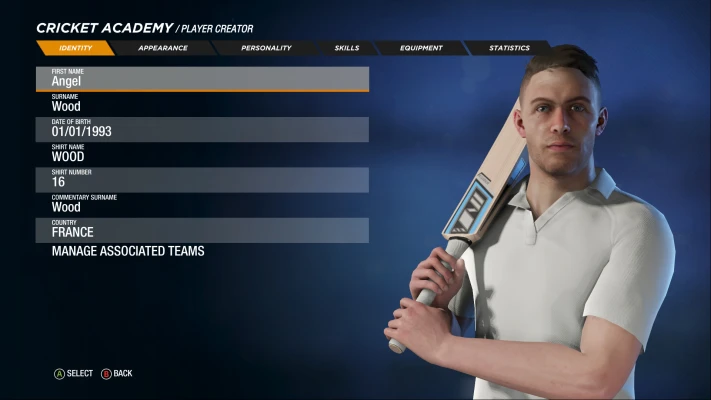
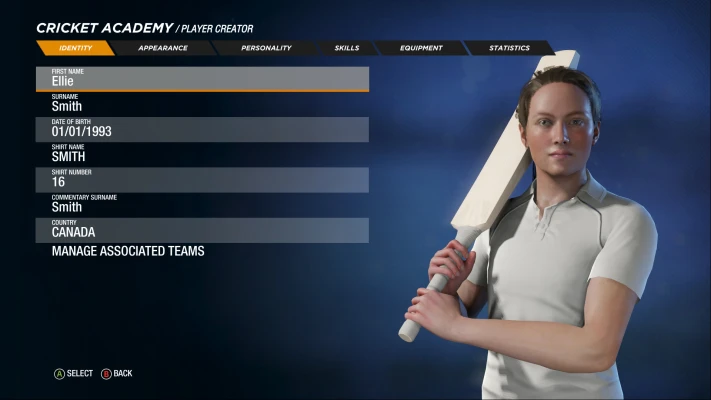
Create your own club, stadia, sponsor logos and uniforms via Big Ant’s acclaimed Cricket Academy to recreate your local matches and dramas!
Build a rookie player’s career from their junior years at club cricket. Perform well and before you know it, you’ll be leading your nation on to the field.
Key features include:
Deep player, stadia, logo and scenario creator.
Full support for all formats of cricket - T20, ODI and Test Match.
Real world AI and tactics.
Dozens of teams to choose between.
Description
Repack Features
• Pre-installed
• Version : 1.8.0.0 (UWP Version)
• Working : Windows 10 (1909, 2004, 20H2, 21H1) & Windows 11 (21H2)
• Use a fake xbox live account(Microsoft Account) In Xbox
ERROR: The Microsoft Game Runtime Is Not Correctly Installed !
• Run PowerShell Or CMD Or Terminal as administrator Any OF 3
• Copy “start ms-windows-store://pdp/?productid=9MWPM2CQNLHN” and paste and press Enter
• The Store will open, offering to Install or Update the Game Services.
• Install or Update It!
How To Install :
1. Open “Cricket 19” Folder
2. Turn on the developer mode (Enable Developer Mode). (we reboot the PC if necessary)
3. Before enabling developer mode, check out what it is on the Internet.
4. Install the game (Install Game)–↓↓
• Run “Cricket19.bat” (Not As Admin), which is located in the game folder.
5. Turn OFF the Developer Mode.
6. Done
How To Activate DLCs :
• Extract The Archive DLC01Cricket19
• Run DLC01Cricket19\DLC.bat (Not As Admin)