
You May Also Like
More »
The First Berserker: KhazanNeople
Mystery Case Files®: Escape from Ravenhearst™Big Fish Studios

Tales Beyond The Tomb - No Witnesses616 GAMES

Grand Theft Auto V : RemasteredRockstar-North

Halo: Campaign EvolvedHalo Studios

The Thing That HappenedMario Murkl
Forbidden SolitaireGrey Alien Games

The Family TripFear Scape

Funnel RunnersSupernova Studios LLC

GROUND BRANCHBlackFoot Studios

Assassin's Creed Black Flag ResyncedUbisoft Singapore

RollerdromeRoll7
System Requirements
Minimum
| OS * | Windows XP SP2 |
|---|---|
| Processor | Dual Core 2GHz Intel or 2.8GHz AMD |
| Memory | 2 GB RAM |
| Graphics | DirectX 10 compatible with 512MB RAM |
| DirectX® | 9.0c |
| Hard Drive | 8 GB HD space |
| Sound | DirectX 9.0c compatible |
Recommended
| OS * | Windows 7 |
|---|---|
| Processor | Quad Core 2.66GHz Intel or 3.2GHz AMD |
| Memory | 4 GB RAM |
| Graphics | DirectX 10 compatible or later with 1GB RAM |
| DirectX® | 10 |
| Hard Drive | 8 GB HD space |
| Sound | DirectX 9.0c compatible |
About
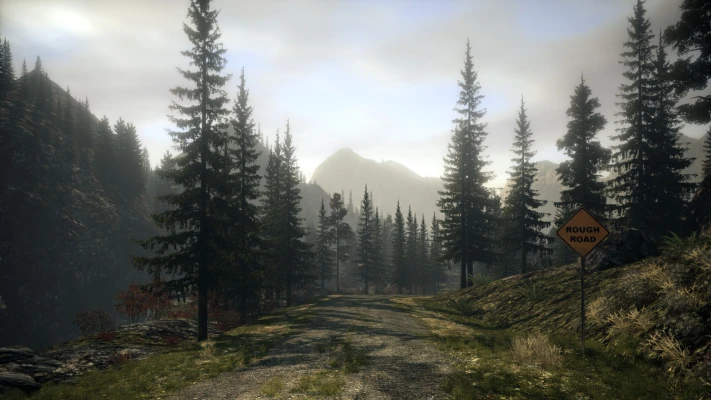
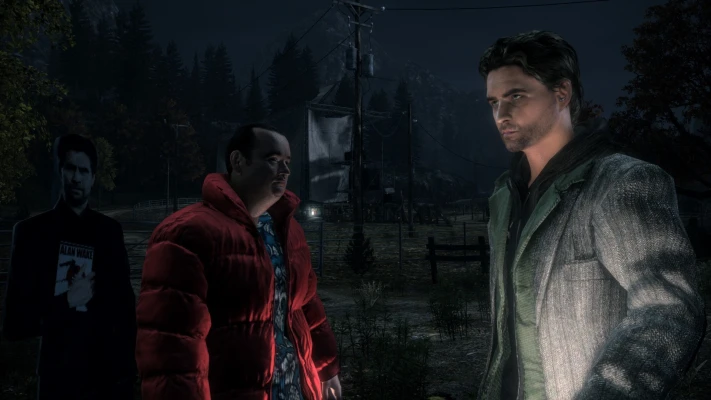
When the wife of the best-selling writer Alan Wake disappears on their vacation, his search turns up pages from a thriller he doesn’t even remember writing. A Dark Presence stalks the small town of Bright Falls, pushing Wake to the brink of sanity in his fight to unravel the mystery and save his love.
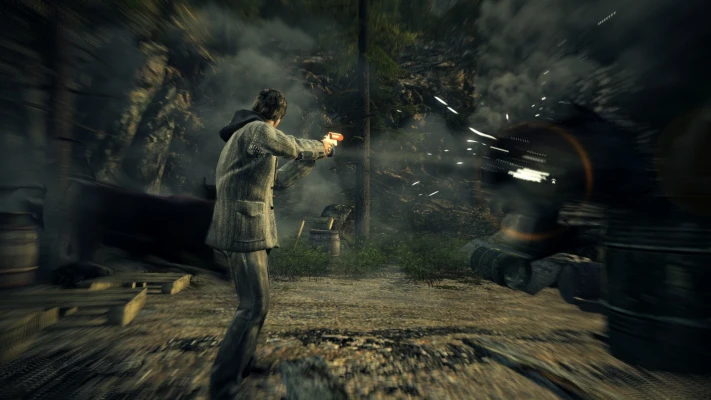
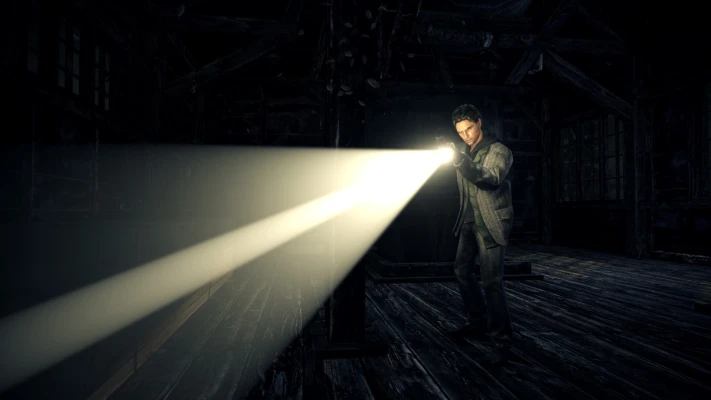
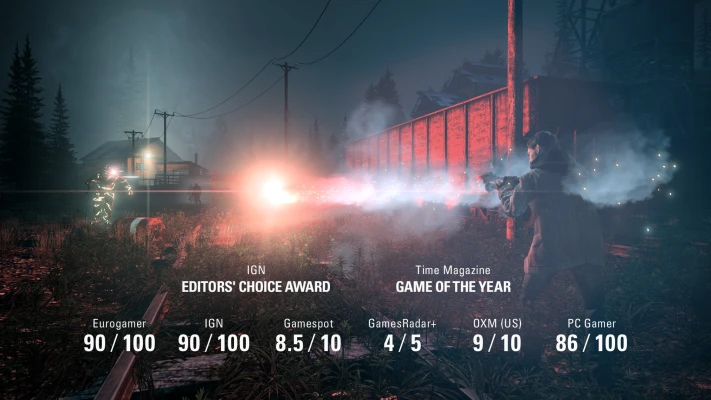
Presented in the style of a TV series, Alan Wake features the trademark Remedy storytelling and pulse-pounding action sequences. As players dive deeper and deeper into the mystery, they’ll face overwhelming odds, plot twists, and cliffhangers. It’s only by mastering the Fight With Light combat mechanic that they can stay one step ahead of the darkness that spreads across Bright Falls.
With the body of an action game and the mind of a psychological thriller, Alan Wake’s intense atmosphere, deep and multilayered story, and exceptionally tense combat sequences provide players with an entertaining and original gaming experience.
Presented in the style of a TV series, Alan Wake features the trademark Remedy storytelling and pulse-pounding action sequences. As players dive deeper and deeper into the mystery, they’ll face overwhelming odds, plot twists, and cliffhangers. It’s only by mastering the Fight With Light combat mechanic that they can stay one step ahead of the darkness that spreads across Bright Falls.
With the body of an action game and the mind of a psychological thriller, Alan Wake’s intense atmosphere, deep and multilayered story, and exceptionally tense combat sequences provide players with an entertaining and original gaming experience.
Enhanced for the PC
- Includes Alan Wake Special Episodes “The Signal” and “The Writer”
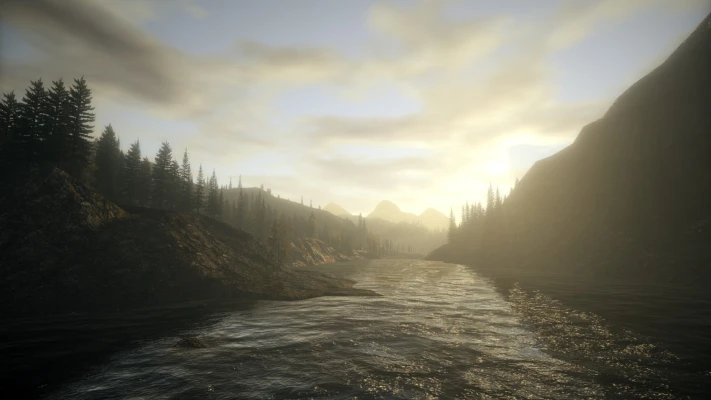
- Experience Alan Wake’s Pacific Northwest in higher resolutions and higher fidelity than the Xbox360 version.
- Fully configurable mouse and keyboard support, or if you prefer to play with the Steam or Microsoft gamepad connected to your PC, you can do that too!
- Lots of customizable graphics settings and support for 4:3, 16:9 and 16:10 aspect ratios!
- Multithreaded engine that takes advantage of quad core CPUs.
- Additional features our fans have sought after such as field of view adjustment as well as “hide HUD”.
- Works with AMD Eyefinity 3D 3-screen mode.
Description
Alan Wake: Collector’s Edition v1.07.33.72514 + 2 DLCs + Bonus Content
Repack Features
- Based on Steam BuildID 5033846 (May 19, 2020) release: 11.3 GB
- Game version: v1.07.3372514, 2 DLCs are included and activated
- SSE crack/emulator applied over, thanks to Christsnatcher!
- All bonus content from Steam, GOG, Humble Bundle releases is included, 4.4 GB total
- Optional Russian localization v1.2 from Gamesvoice Studio (4.4 GB) available for installation either with original music tracks or professional Russian covers
- 100% Lossless & MD5 Perfect: all files are identical to originals after installation
- Selective Download feature: you may skip downloading of bonus content (videos/non-videos in separate packages) and localization packs you don’t need. By default , without optionals, this repack supports English, Russian, Chinese, Czech, Korean and Polish languages with English voiceovers
- NOTHING ripped, NOTHING re-encoded
- Significantly smaller archive size (compressed from cumulative 20.1 to 5.1~13.4 GB, depending on selected components)
- Installation takes 7-20 minutes (depending on your system and selected components)
- After-install integrity check so you could make sure that everything installed properly
- HDD space after installation: up to 13.9 GB
- Language can be changed in “SmartSteamEmu.ini” file
- Alternatively you can edit “Run with Spanish LA.bat” and make it run the game not in Latin American Spanish, but in any other language
- Repack uses XTool library by Razor12911
- At least 2 GB of free RAM (inc. virtual) required for installing this repack
- Run the game ONLY via desktop icon or via “SmartSteamLoader.exe” in game root. If it crashes, just run another time. If it still crashes, open “SmartSteamEmu.ini” with any text editor, find DisableOverlay = 0 string and replace it with DisableOverlay = 1
Previous Versions
No previous versions are currently available for this application.